Stavona R Arcade-Style Controller - Getting Started
Unboxing and Assembly
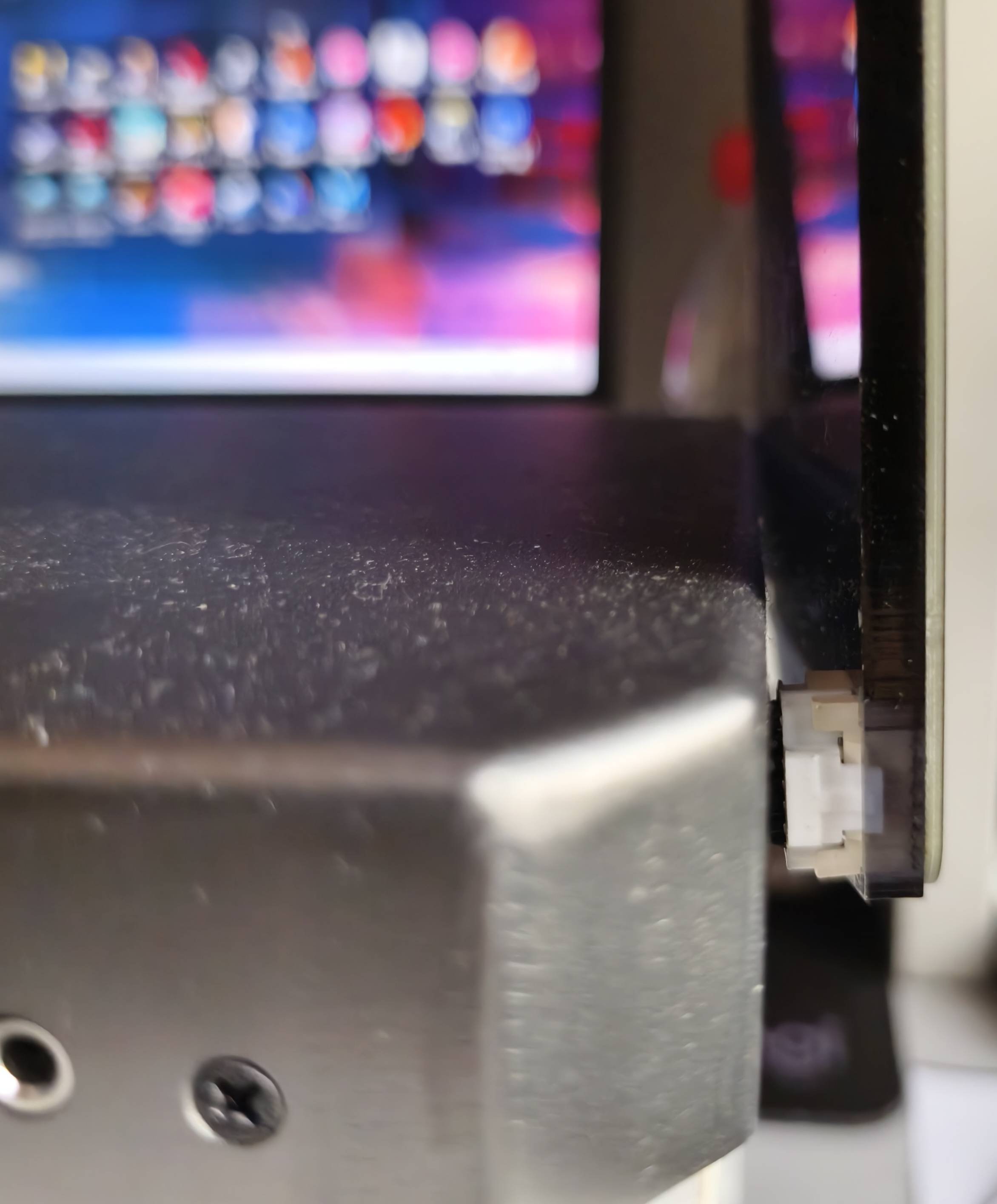
Take the controller out of the box and place it flat on a table. Take out the two Air-Strings and firmly insert each cable into its AIR port until you hear a click, which indicates that it is fully connected. Tuck any excess cable back into the controller. Secure the Air-Strings to the controller with the included thumb screws, then connect the controller to your computer using the included USB-B cable.
WARNING
Desktop users: Connect the controller to a USB port on the back of your computer.
Laptop users: Connect the controller directly to a USB port on your laptop.
Avoid using a USB hub or dock whenever possible, as it may cause unstable power delivery or communication.
A stable connection is essential for a good experience. Make sure the USB port can provide sufficient power.
Software Settings
The available settings are shown in the Control Center. Keyboard output is disabled by default, and the controller sends data only through HID. A compatible chuniio plugin is required to connect it to a game.
INFO
The SEIKAN Control Center is being migrated from manager.seikan.cn to terminal.seikan.cn. Some features, including key binding and software updates, are temporarily unavailable in Terminal. Please use Manager if you need these features.
This notice will be removed once Terminal is complete.
Software Update
The software installed on the controller at the factory may not be the latest version, so we strongly recommend checking for updates after unboxing it.
Go to SEIKAN Terminal. After pairing your device, open the Stavona R Control Center and follow the on-screen instructions to update the software.
Warning: Disconnecting power while flashing the firmware or flashing the wrong firmware may damage the controller's circuitry. Proceed with caution.
Game Software Setup
For instructions on downloading and launching the game, visit Evil Leaker.
WARNING
This is not an official SEIKAN website. Evaluate its content at your own discretion.
The following instructions assume that you have already downloaded the game and completed the basic keyboard setup needed to launch it. There are two installation methods.
Automatic Installation
Download and run SeikanIO Installer. Click Install, then follow the on-screen instructions.
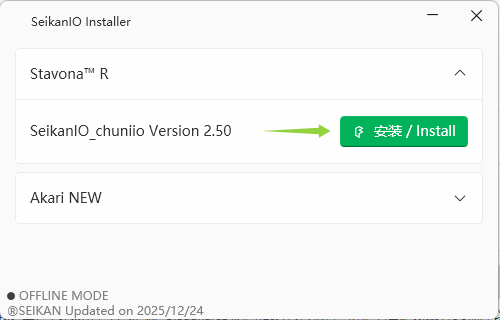
You can launch the game after installation is complete.
Manual Installation
Go to Group Files / Chuniio in the after-sales support group and download the latest version. Extract SeikanIO_chuniio.dll from the archive into the directory containing segatools.ini. Then open segatools.ini and configure it as follows:
[chuniio]
; If you wish to sideload a different chuniio, specify the DLL path here
path=SeikanIO_chuniio.dll
Enjoy your controller!